February 26, 2026 · 8 mins read
Santosh Kumar
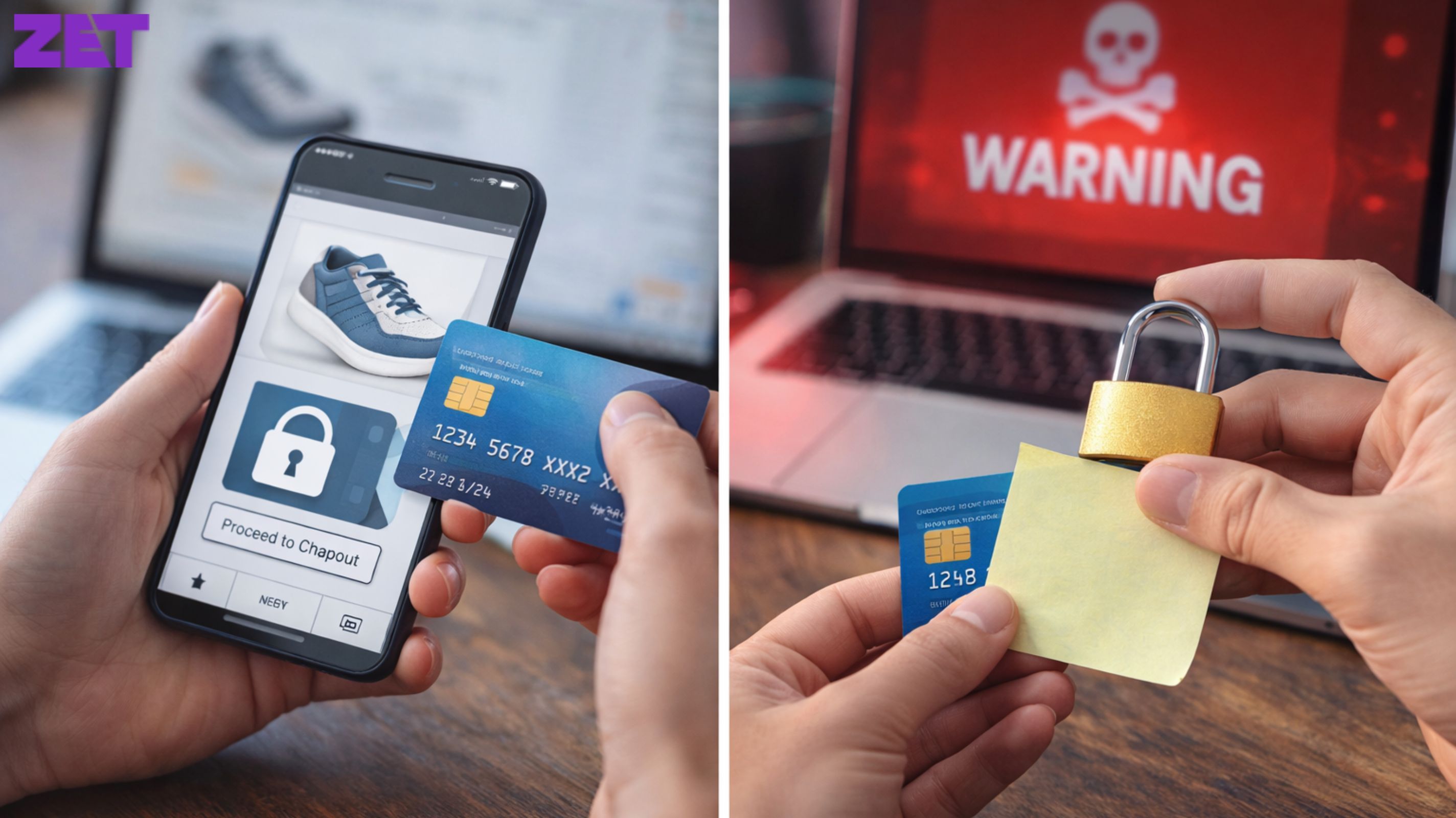
E-commerce is a way of life. From groceries and clothing to electronics and travel bookings, digital payments provide unprecedented convenience and speed. But with the growing popularity of online payments, these have also resulted in an increase in cyber attacks and financial fraud. Safeguarding your credit card information shopping online has become more critical than ever. Phishing, fake sites and data breaches — cybercriminals use many tools to acquire sensitive financial data. If your credit card gets hacked it can cause un-authorised transactions, loss of money and even identity theft. Financial regulators including the Reserve Bank of India frequently publish security tips for consumers to protect their digital payments, but consumers need to practice safety too.

Among the best defenses you can build around your credit card data is to shop exclusively on secure, respected sites. Prior to inputting your card information, see if the URL starts with “https” as opposed to “http.” The ‘s’ means the site encrypts your information when it transacts with you.
You should also check for a padlock icon in your browser’s address bar, which indicates that the site meets fundamental security practices. Don’t buy from unrecognized sites featuring unbelievable bargains — they may be hoax sites gathering your information.
It doesn’t hurt to read customer reviews and check the legitimacy of online sellers either!
Public Wi-Fi in cafés, airports or shopping centres can be open and easy to hack. Cybercriminals can eavesdrop on these connections and steal your credit card information.

When paying online, always utilize a secure private network or mobile data. If you have to use public wifi, don’t sign in to your bank account or other financial services or use a VPN.
So if you have a secure connection, this cuts that risk in half.
Also Read: How to Apply for a ₹2,000 FD Credit Card on ZET App: A Step-by-Step Guide?
Two-factor authentication is going to protect online transactions. It asks users to confirm their identity via a second channel, like an OTP sent to their registered mobile number or email.
Even if someone gets your card, they can’t make a purchase without this extra verification. Enabling two-factor authentication on banking apps, payment platforms and shopping accounts will improve security and stop unauthorised access.
This easy move gives you robust defense against internet scams.
Also Read: How to Get a Credit Card with Just a ₹2,000 FD in India
Weak passwords also ease the hackers’ access into your financial accounts. And always make strong passwords– a combination of letters, numbers and special characters.
Don’t use your birthday, a name, or a phone number as your password. They also recommend that you update your passwords regularly and use separate passwords for different accounts.
using a password manager, which can generate and store complex passwords securely, reducing the risk of unauthorised access.
Also Read: How to solve ‘UPI ID Not Found’ error?
Phishing is one of the oldest tricks in the book for fraudsters looking to swipe financial info. It means distributing fraudulent emails, messages or links that seem to come from reliable entities like banks or e-commerce sites.
These messages frequently request that users click links or give card information, login information or one-time passwords. Be sure to double check where these types of messages are coming from and never click on any suspicious links.
Banks and financial institutions never request sensitive information via email or phone. By staying phishing-alert, you keeps your credit card info safe.
Also Read: GST for E-Commerce Sellers: Rules & Compliance Checklist
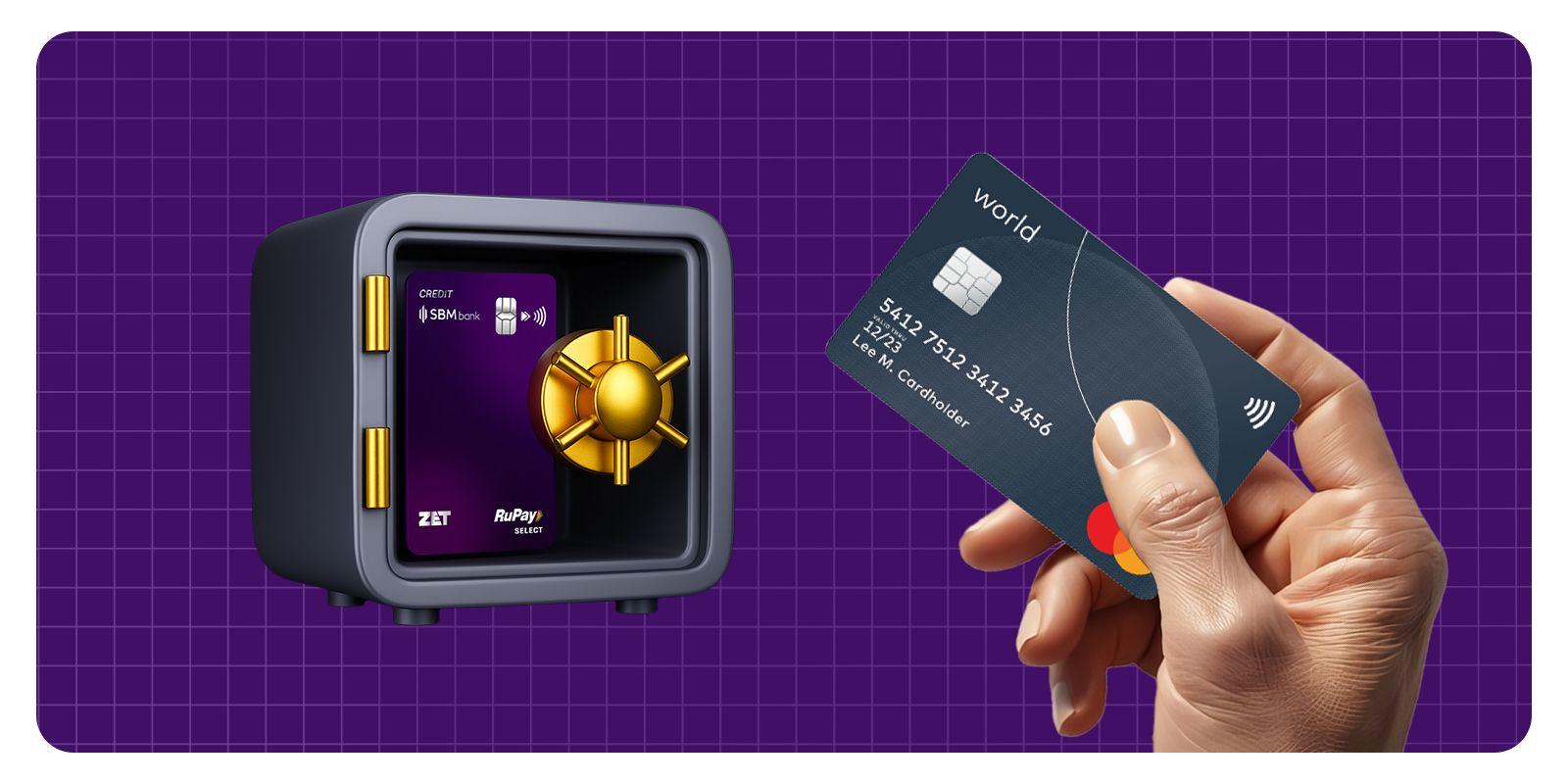
A lot of banks offer virtual credit cards or tokenised payments for online purchases. A virtual card creates a one-time-use card number that’s separate from your real credit card number.
Tokenisation swaps your card details for a unique code — so your real info isn’t shared with the merchant. These technologies dramatically reduce the threat of data theft and enable more secure online payments.
Virtual cards come in particularly handy, however, when shopping on new or unfamiliar sites.
Just by checking your credit card statements, it can help you identify unauthorised charges sooner. Most banks offer real-time transaction notifications via SMS or mobile apps so you can stay on top of card activity immediately.
If you see anything fishy, notify your bank right away. Detection at an early stage stops additional abuse and can help you recover lost funds.
Regular checking also keeps you on top of expenses and fiscally responsible.
Also Read: Can We Invest Monthly In FD?
Web sites sometimes provide the option to save credit card data for rapid checkout. Convenient as it may be, saving card details makes these cards more vulnerable to compromise in case the website gets hacked.
It’s still safer to key in card details for significant transactions or retain them only on very trusted sites. Reducing the number of sites that have access to your card info minimizes your exposure.
Logout after making transactions, particularly on shared devices.
By installing antivirus software and updating your devices with security patches, you can safeguard against malware and spyware. Mal’-ware can log keystrokes and swipe your bank info without a peep.
Security vulnerabilities are addressed and your device will be more secure. By accessing from secure and updated devices, you transact online more safely. Digital hygiene is also key to safeguarding credit card information.
Also Read: How to raise your credit score by 200 points
Prior to buying, check out the site’s privacy policy to see what they will do with your personal and financial information. Trusted sites also detail how they collect, store, and protect customer information.
Steer clear of sites with no privacy or security information. Data Transparency is a reflection of the platform’s trustworthiness.
Knowing how your data is protected allows you to shop online intelligently.
Shopping apps are convenient but need to be security savvy. Install apps only from trusted app stores and confirm the developer’s credentials.
Don’t download apps from suspicious sources, they could be infected with malware that targets your banking information. Smartphones and tablets also need to be protected — keeping your mobile OS updated and reviewing app permissions is a good start.
Safe mobile usage also is important in regard to safeguarding credit card information.
Online shopping is convenient and efficient, but it demands strong security vigilance as well. Safeguarding your credit card information means utilizing safe sites, staying clear of public networks, turning on authentication, and keeping an eye on transactions.
If you’ve already taken safe digital habits to heart and remain vigilant, the chances of falling victim to financial fraud are much lower. Responsible surfing safeguards your wallet as well as a secure shopping environment.
Buying online using a credit card can be considered safe if you do your shopping on safe sites and utilize secure practices. There is additional safety features, such as alerts for transactions and protection against fraud, that will help provide extra protection even more than what your credit card offers.
When looking for a safe site to make a purchase on, make sure the site has an “https” at the beginning of their URL and a padlock showing up in the browser address bar. You can also read the reviews and testimonials left by customers, along with verifying the identity of the seller beforehand.
When using Tokenization, your credit card number is replaced by a one-of-a-kind digital code during the transaction, replacing your credit card number with a code that is used just this one time. This makes it so that the seller cannot keep a copy of your credit card information on file (or in their database) or access it.
It is better to NOT save your credit card information on too many sites, particularly on sites you are not familiar with, even if you are entering it in. If a site was hacked into and the credit card information you saved was exposed, you may have a greater risk of your details being used for unwanted purchases.
Immediately contact your bank and block your credit card immediately due to the unauthorized activity, and to report the transaction to your bank. If you report it quickly, the chances of you losing any more money is minimized, and you may be able to recover your unexplained losses.



Contact

care@zetapp.in
Social


Build and Maintain a 750+ Credit Score