December 21, 2025 · 9 mins read
Santosh Kumar
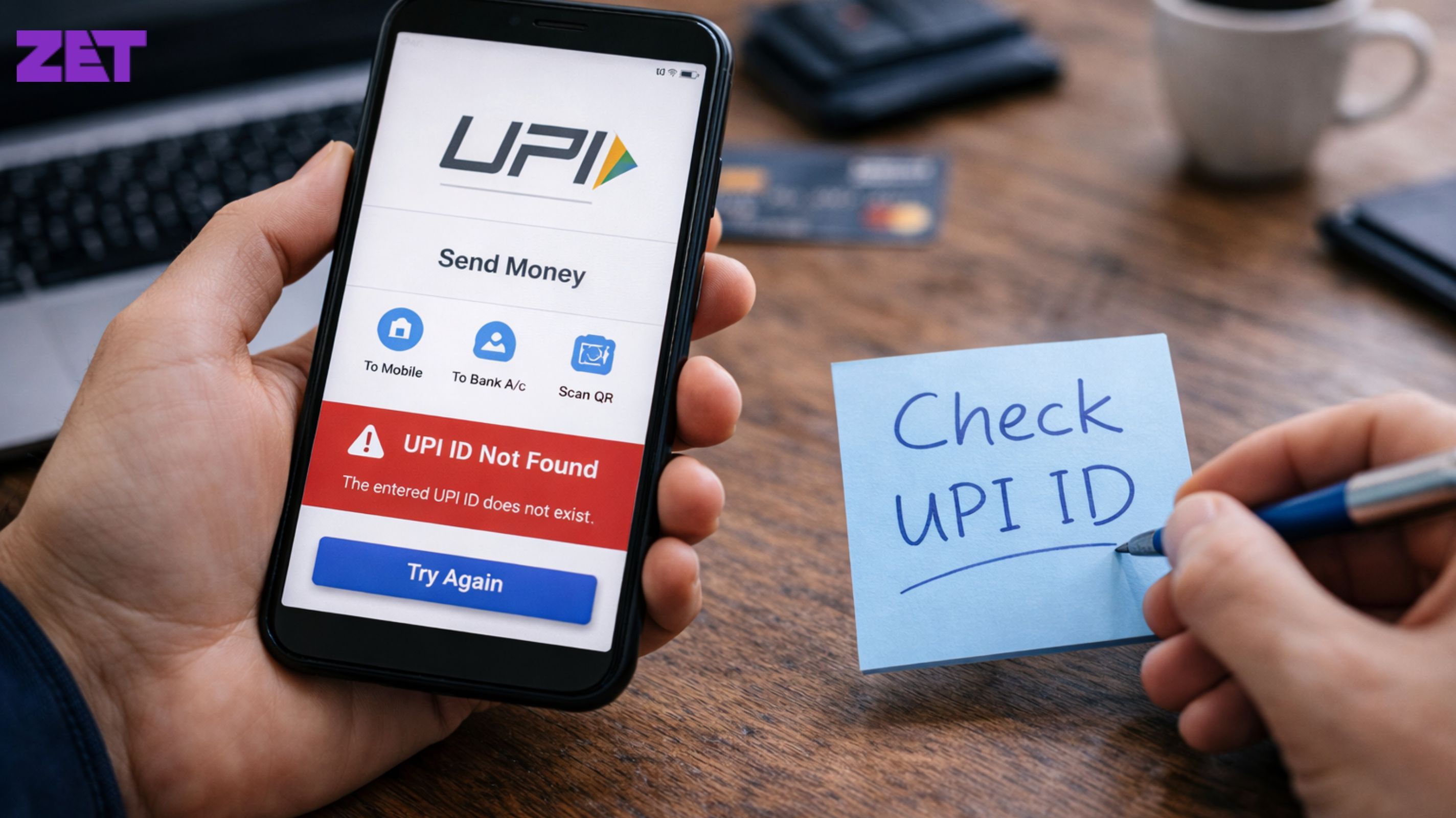
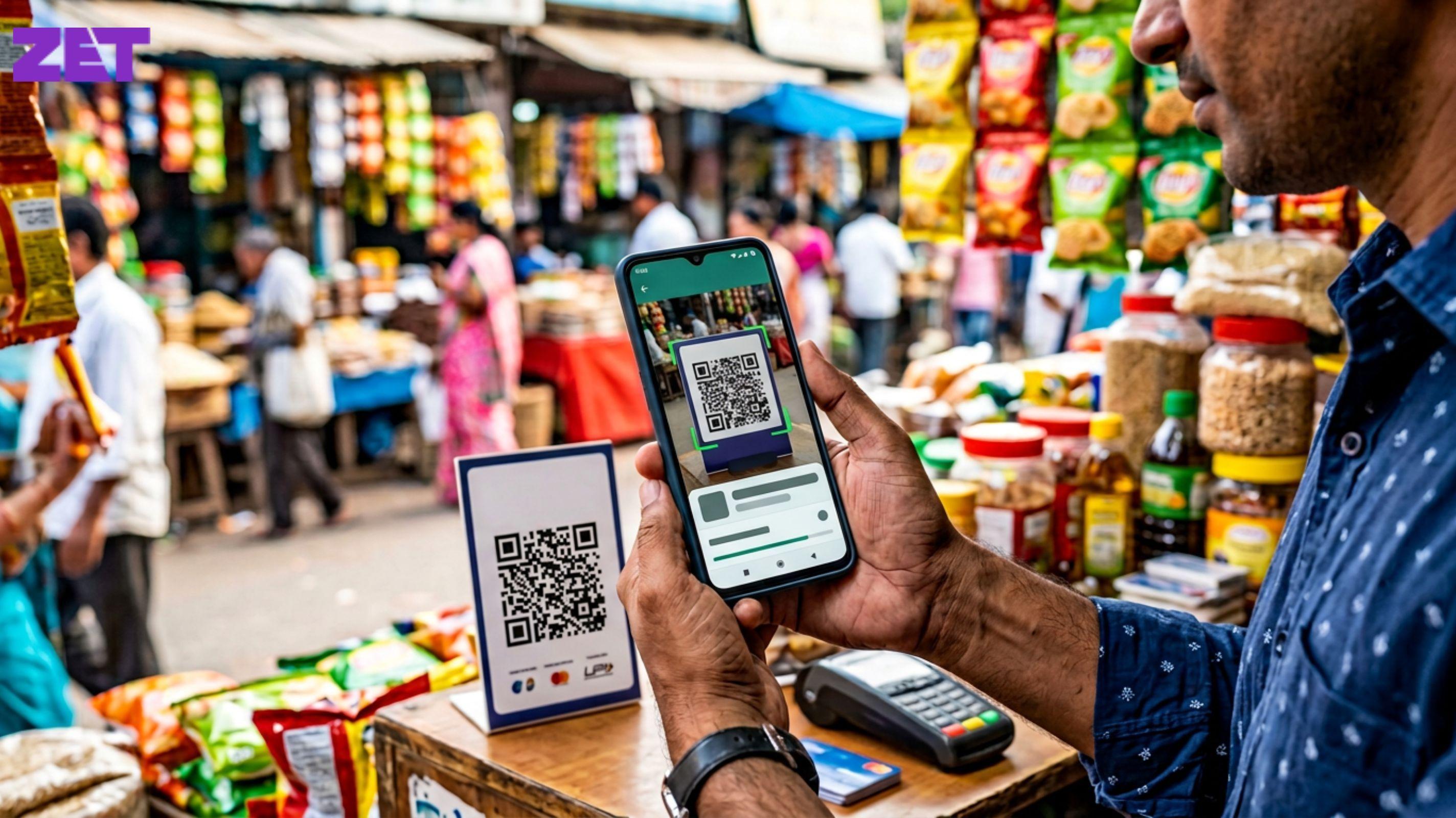
UPI has made digital payments come across as close to painless as possible. Whether it’s sending money, paying bills or scanning a QR code, it now takes mere seconds. And that’s why it can be infuriating when a straightforward deal unexpectedly fails with ‘UPI ID not found’. For most users, this error just pops up out of nowhere and they’re left scratching their heads as to what happened.

If you’ve ever been stung by this problem, you’re not alone. The “UPI ID not found” is one of the most common UPI issues reported by users across apps and banks. The good news is that it’s usually easy to fix once you know what’s causing it.
UPI ID, or VPA (Virtual Payment Address), is the unique identifier used to send and receive money on UPI. If an app displays ‘UPI ID not found’, it indicates that the system is unable to find the provided UPI ID on the UPI network.
This does not always imply that the UPI ID is permanently invalid. Usually, it’s a transient matter due to bad information, app bugs, bank server errors or dormant accounts. This distinction is significant because a lot of users needless panic when they see this error.
Also Read: UPI vs Wallet Payments: Which One Should You Use?
UPI functions across banks, apps and servers in real time. For a transaction to go through, so many systems need to talk fluidly. If one link in the chain breaks, the error message pops up. Since UPI-based payments are so common for small daily expenses, users will be quick to realize a mistake. One botched deal looms larger than a hold-up in the banking system.
The mistake can happen for any number of reasons. Some have to do with the users, some are technical.
One of the most common reasons is a mistyped UPI ID. A lost character, added space or incorrect suffix can make a good ID look bad. Even minor spelling mistakes will do the system to reject the ID.
Another frequent cause is that the recipient’s UPI ID is dormant. If the recipient hasn’t used UPI for a long time, switched banks or deactivated their account, ID may no longer be recognised. Technical issues also matter. Even temporary server downtime, app bugs or bank maintenance can stop the system from validating UPI IDs properly.
Knowing the reason behind it is the best way to address the UPI ID not found error.
Also Read: What Is UPI 123Pay and How to Use It Without Internet?
Repairing this mistake doesn’t typically take technical skill. And almost all remedies are just simple check and do’s.
Begin by rechecking the UPI ID carefully. No typos, extra spaces or wrong symbols. UPI IDs are case insensitive, but precision counts.
If they can, get them to share their UPI ID again. It’s easier and less error-prone to copy and paste the ID. Or have them forward a payment request instead.
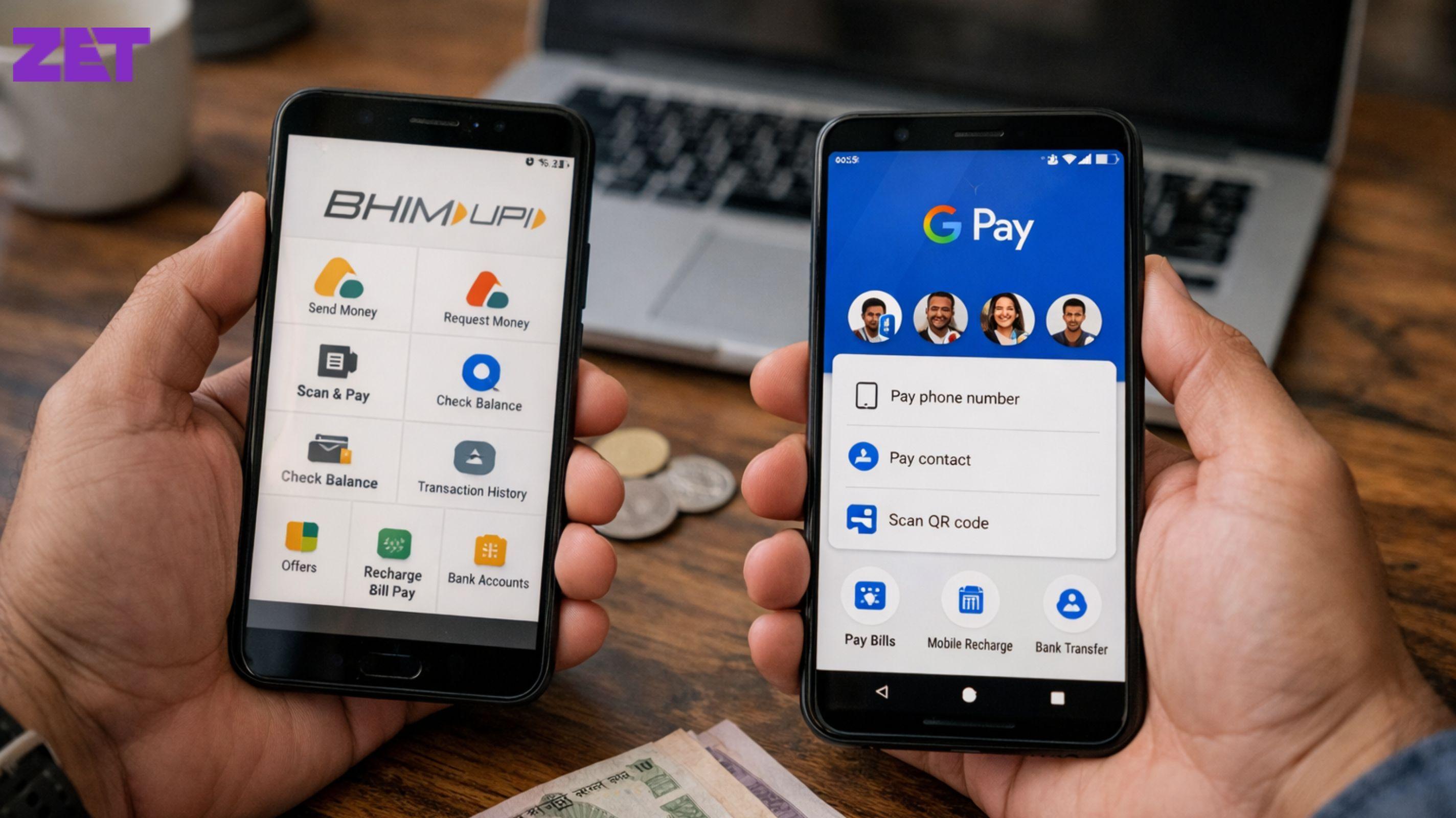
If the UPI ID still can’t be found, go ahead and use a different UPI app. Occasionally, it’s the app, not the account.
Also Read: How to File NIL GST Return Online
But not all UPI IDs are active for life. If a user changes bank account, reinstalls the app or switches mobile numbers, the old UPI ID could cease to function.
Request the beneficiary to open their UPI app and verify if their UPI ID is live. Most apps show the active UPI ID in the profile/settings section.
If the ID is defunct, your recipient will have to reactivate it or set up a new one. Once this is complete, the purchase should process without problems.
UPI IDs are invariably connected to a bank account. If there is a problem with the bank account, the UPI ID might not be identified.
Make sure the bank account associated with the UPI ID is live and not blocked or closed. Sometimes accounts are temporarily blocked due to KYC problems or dormancy.
Getting through KYC and having the account open usually fixes things.
Also Read: GST For Home-Based Businesses: Do You Need It?
Even while UPI speed, it’s still dependent on a stable internet connection. Flaky connectivity can disrupt communication between the app and the bank servers.
Toggle back and forth between mobile data and Wi-Fi to test. A robust connection, in certain cases, can immediately resolve the UPI ID not found error.
For example, having an outdated UPI app can cause random errors. Application updates typically contain error corrections, security enhancements and compatibility revisions.
Hit the app store and update. After updating, reboot the app and attempt the transaction again. Moreover, a lot of users report that just updating the app fixes the problem all together.
Also Read: Documents Required for GST Registration for Different Business Types
With time, cached data can also cause conflicts in the app. Clearing your cache may also help reset these minor glitches without impacting your account.
You can go into your phone’s app settings, click on the UPI app and clear the cache. Don’t clear data if you can help it, it might make you configure the app again.
After clearing your cache, open back into the app and retry your transaction.
UPI is dependent on the mobile number registered with your bank. If your phone number has changed or isn’t correctly linked, mistakes can happen.
Verify your phone’s mobile number against the one on file with your bank. If a mismatch, call your bank to change it.
After updating, re-install the UPI app and setup again.
Also Read: What Is GSTIN? Format, Structure, and Meaning Explained
If the UPI ID is not being recognised, attempt to send money using the recipient’s mobile number or bank account details if possible.
Others apps allow transactions with account numbers and IFSC codes as a backup. This can help verify if the problem is with the UPI ID alone.
Sometimes, the issue has nothing to do with you or the other person. Banks also do maintenance sometimes, and can have some services down during that.
Verify the app alerts or the bank’s genuine social media postings for downtime notices. Wait a few hours and try again and it will usually shake itself loose.
Also Read: GST for E-Commerce Sellers: Rules & Compliance Checklist
Make sure your UPI ID is active and visible. Occasionally prove it by transferring a small amount to yourself or from elsewhere.
In case you’re using a QR code, regenerate it if your bank account or UPI settings change. Old QR codes can be associated with dead IDs.
Though no error is unassailable, some habits make you less likely to encounter this problem. Stay on top of your UPI app updates and keep your bank account and mobile number information up to date. Copy-paste UPI IDs wherever possible to avoid manual mistakes.
Promote regular UPI use if you get paid often. Active use keeps your UPI ID alive and registered with the system.
Also Read: Annual Fee vs Lifetime Free Cards
One of the biggest things to remember is that ‘UPI ID not found’ is almost never ever permanent. More often, it’s due to small problems that you can solve in minutes.
Keeping your cool and taking a methodical approach saves time and vexation.
The ‘UPI ID not found’ error is frustrating, particularly, when you’re pressed for time. But this is typically easy to remedy once you know the likely causes.
By confirming the UPI ID, verifying account details, updating your app and connectivity, you can fix the issue easily. Knowing how to resolve UPI ID not found error aids you assist others as well, be it friends, family or clients.
UPI is simple and reliable. Every computer system has its glitches, but now that you know, they don’t have to ruin your day.
It signifies that the system is unable to find the provided UPI ID in the UPI network. This could be because of an invalid ID, inactive account or technical error.
Yes. Temporary server problems, app bugs or deactivated bank accounts may block a genuine UPI ID.
Recheck the UPI ID, make sure the recipient’s account is active, update your app and try again with a good internet connection.
Yes. When you switch phones, it may be necessary to reinstall and re-register the UPI app for the UPI ID to function properly.
Yes. Most apps multiple UPI IDs for same bank account. Make sure you use an active one.
You can contact either. If it feels bank-related, begin with your bank. If it seems app-specific, reach out the app’s support.
In most cases, no. It’s generally short-term and easily remedied with some troubleshooting.



Contact

care@zetapp.in
Social


Build and Maintain a 750+ Credit Score